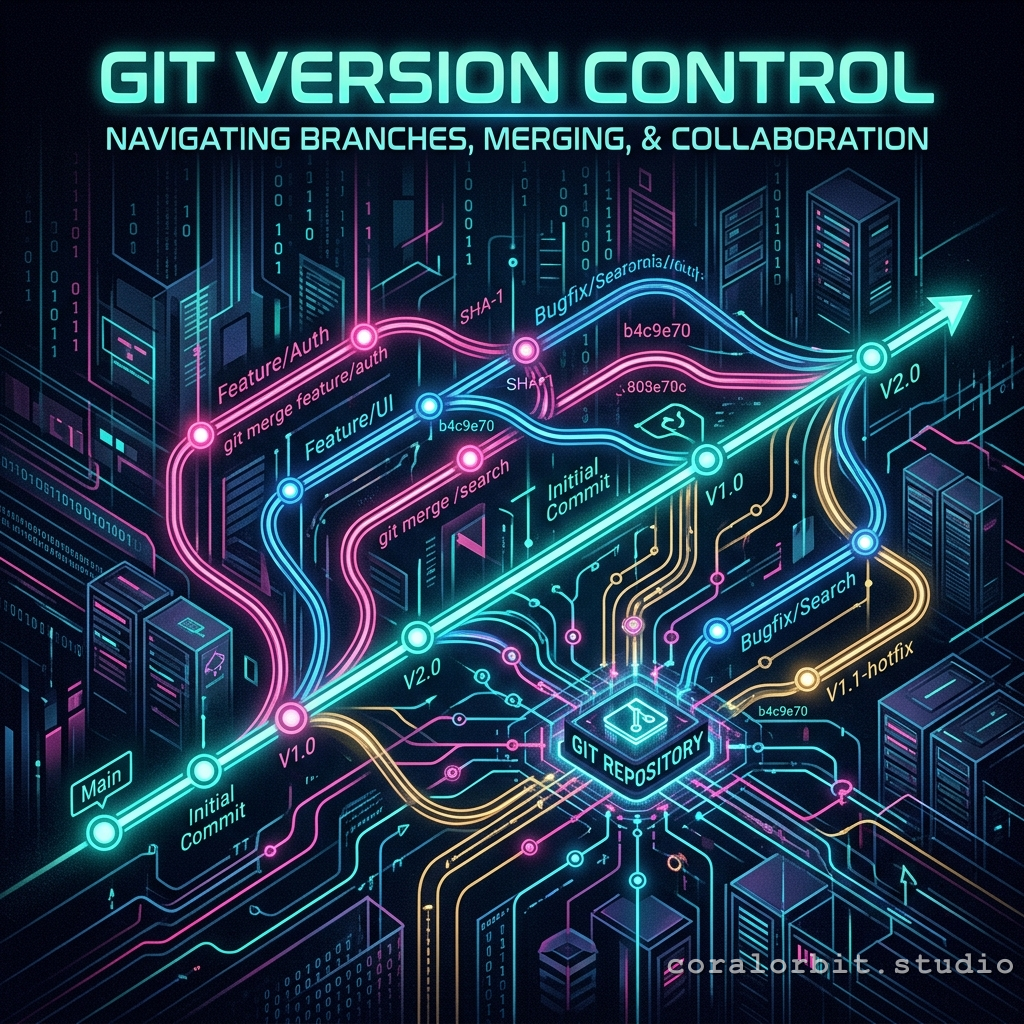
Have you ever wished you had a "Save State" for your code, just like in your favorite RPG? Good news! You do. It's called Git.
What is Git, actually?
Imagine you're a cyberpunk hacker weaving a digital tapestry of data. Every so often, you step back, admire your work, and lock in a cryptographic snapshot of the entire system. If you ever make a critical error (like crashing the mainframe), you can just enter a command and revert back to any previous stable state.
That's Git in a nutshell: a time-traveling hypervisor for your projects!
The Core Commands
Instead of waving a wand, we punch commands into our terminal:
git init - Initializes the tracking matrix in your directory.git add . - Stages all your modified data packets, preparing them for the vault.git commit -m "added UI overhaul" - Commits the snapshot permanently to the timeline! Always leave a clear log note.git push - Uplinks your local timeline to the cloud (like GitHub) so the data is safe forever!
Weaving Alternate Timelines (Branches)
What if you want to test an experimental feature without taking down your entire app? You instantiate a branch! It's like an isolated alternate reality. You can write all the risky code you want over there, and if it passes all tests, you merge it back into your main timeline. If it turns out to be a buggy mess? Just delete the branch! No harm done to the primary system.
Multiplayer Mode: Teamwork & Damage Control
Working with a team introduces chaos into the matrix. That's why Git has built-in damage control protocols. You can use git fetch to safely inspect your team's code before merging it, or git blame to see exactly who injected that buggy line of code last Tuesday.
And if things go wrong during a sync? Hit the panic button: git merge --abort will cancel the operation and return you to safety.
"With Git, mistakes aren't permanent - they're just alternate timelines waiting to be reverted!"
Don't let the terminal intimidate you. Once you learn the protocols, you'll be navigating the version control matrix with total confidence!